
Update 17/09/2024: This issue has been resolved in version 4.1.2.2.
We are currently experiencing technical difficulties which are causing digital microscopes connected via Wi-Fi or Ethernet to appear offline on the FECPAKG2 portal. Please see the below alternative options for connecting.
1: Direct Connection Cable
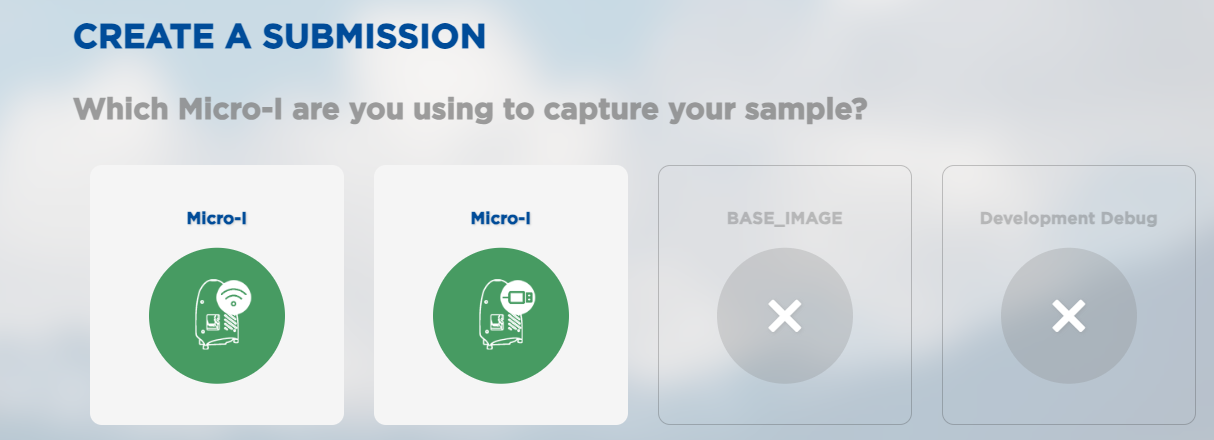
Please connect one end of your direct connection cable to your digital microscope and the other end to your computer/laptop. Visit https://online.fecpakg2.com and select either "Micro-I" option to complete a submission.
2: Digitial Microscope Hotspot
Please connect using your digital microscope hotspot by selecting the serial number of your microscope in your computer/mobile Wi-Fi settings and entering the password if required. Visit http://10.11.12.1 to connect directly to the Micro-I and complete your submission.
3: Ethernet or Wi-Fi IP
If the direct connection and hotspot are not an available option to you, please contact our support team so we provide you with another access option.