
Included in Release 3.13, you can now run your own post-treatment reduction calculations right in the FECPAK portal.
To use this feature, follow the steps below:
- Log into your account on the FECPAK portal
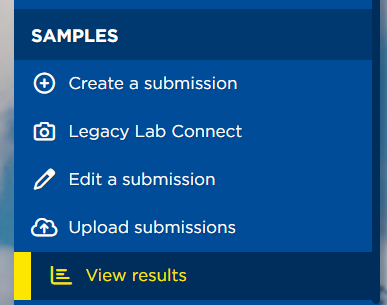
- Along the left navigation, select "View results".
- Select "Post-treatment FEC test"
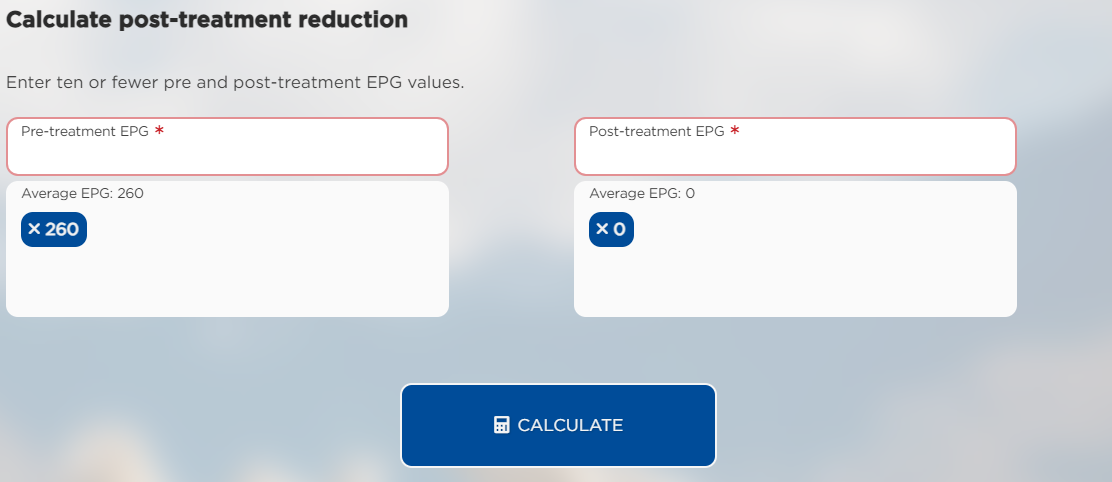
- Enter the EPG result from your pre-treatment test in the left field.
- Click the "+" icon to add more than one EPG value.
- Enter the EPG result from your post-treatment test in the right field.
- Click the "+" icon to add more than one EPG value.
- Click "Calculate".
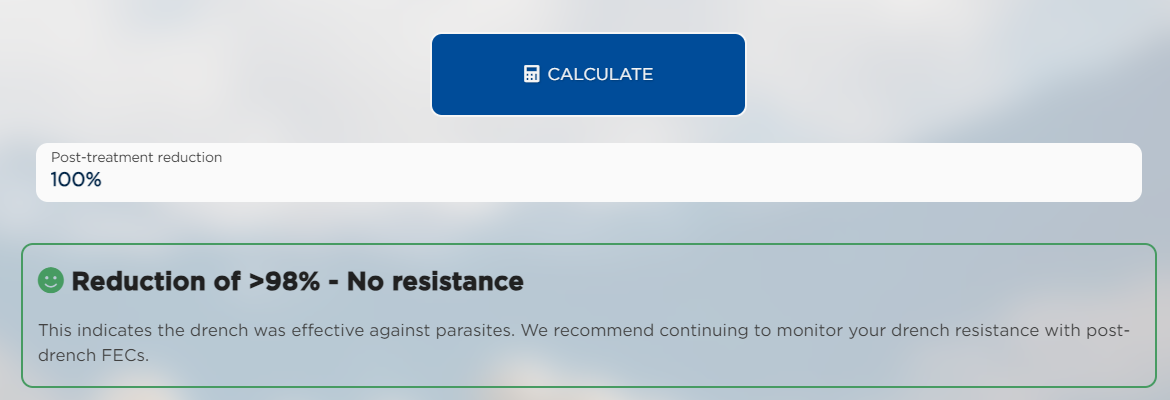
- The reduction percentage will be shown below.
- Notes can be found below the result.

If you have any questions about your result, contact us at help@fecpak.com.